
Play everything.
From one app.
Movies, TV, anime, live TV, YouTube, torrents & manga — plus your Jellyfin & Plex.
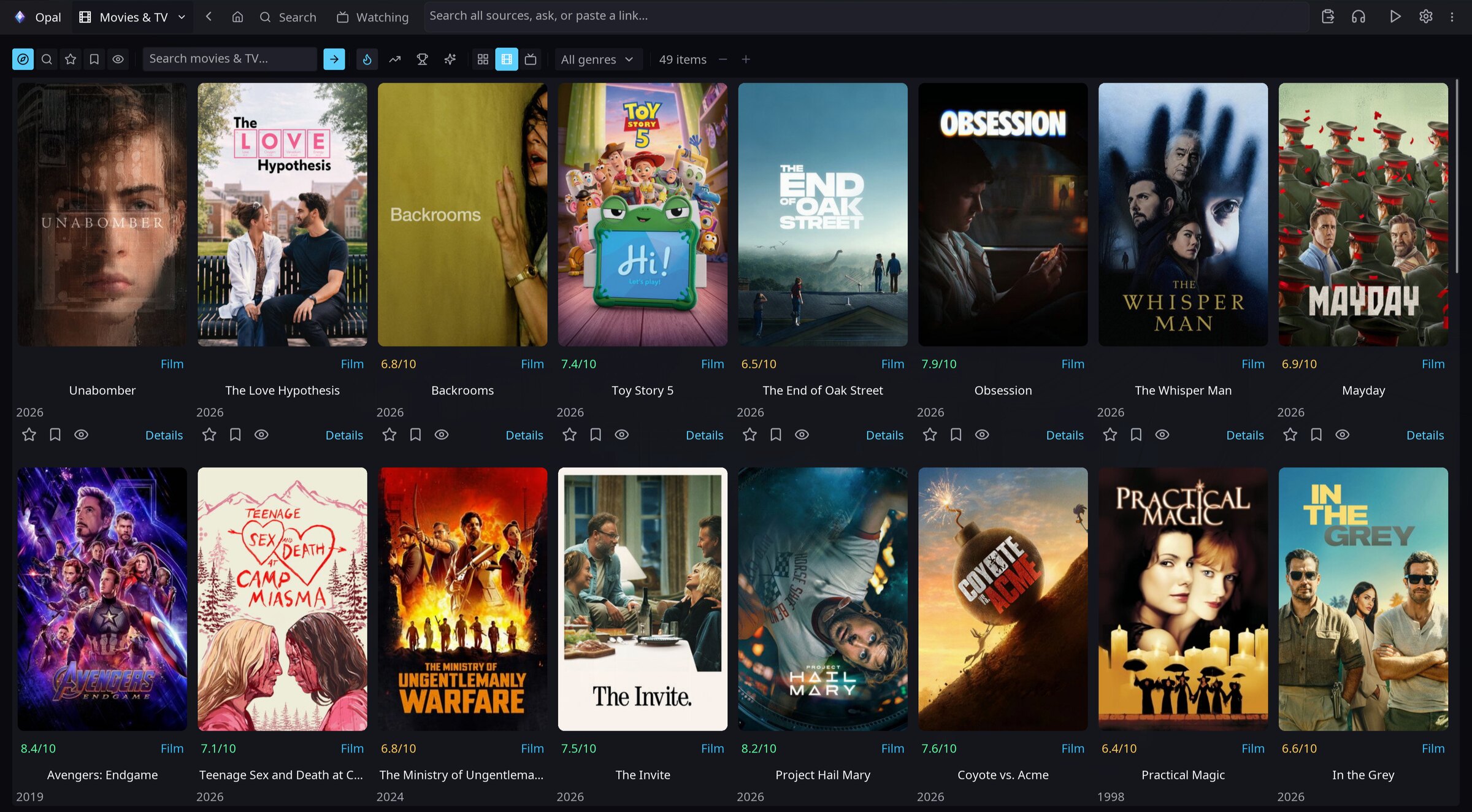
Movies, TV, anime, live TV, YouTube, torrents & manga — plus your Jellyfin & Plex.
What you get
Disk, torrents, Jellyfin, Plex, Stremio, anime, YouTube, live TV and manga — one ranked list.
Press play on a torrent and you are watching while it downloads.
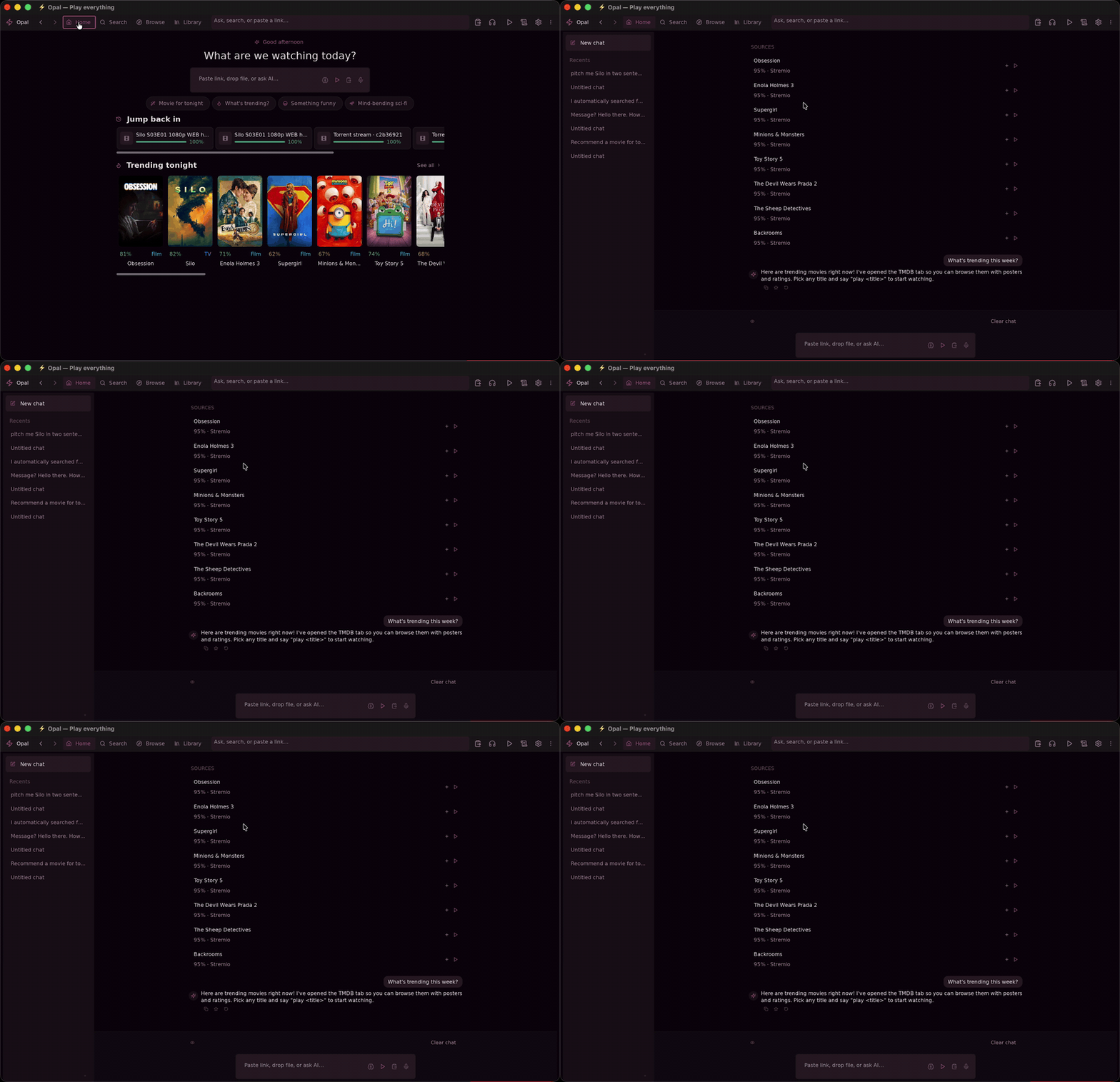
A local model answers “what should I watch?” with picks you can play.
A full IPTV catalog, searchable as you type.
Mihon / Tachiyomi extensions, with the Suwayomi server bundled.
Fetched, synced and styled per file. SponsorBlock for YouTube.
A watch-party others can join, and a phone remote for the couch.
A web UI on your LAN, with transcoding for anything your browser cannot decode.
Session restore, watch history and Trakt sync — all in a SQLite file you own.
Search
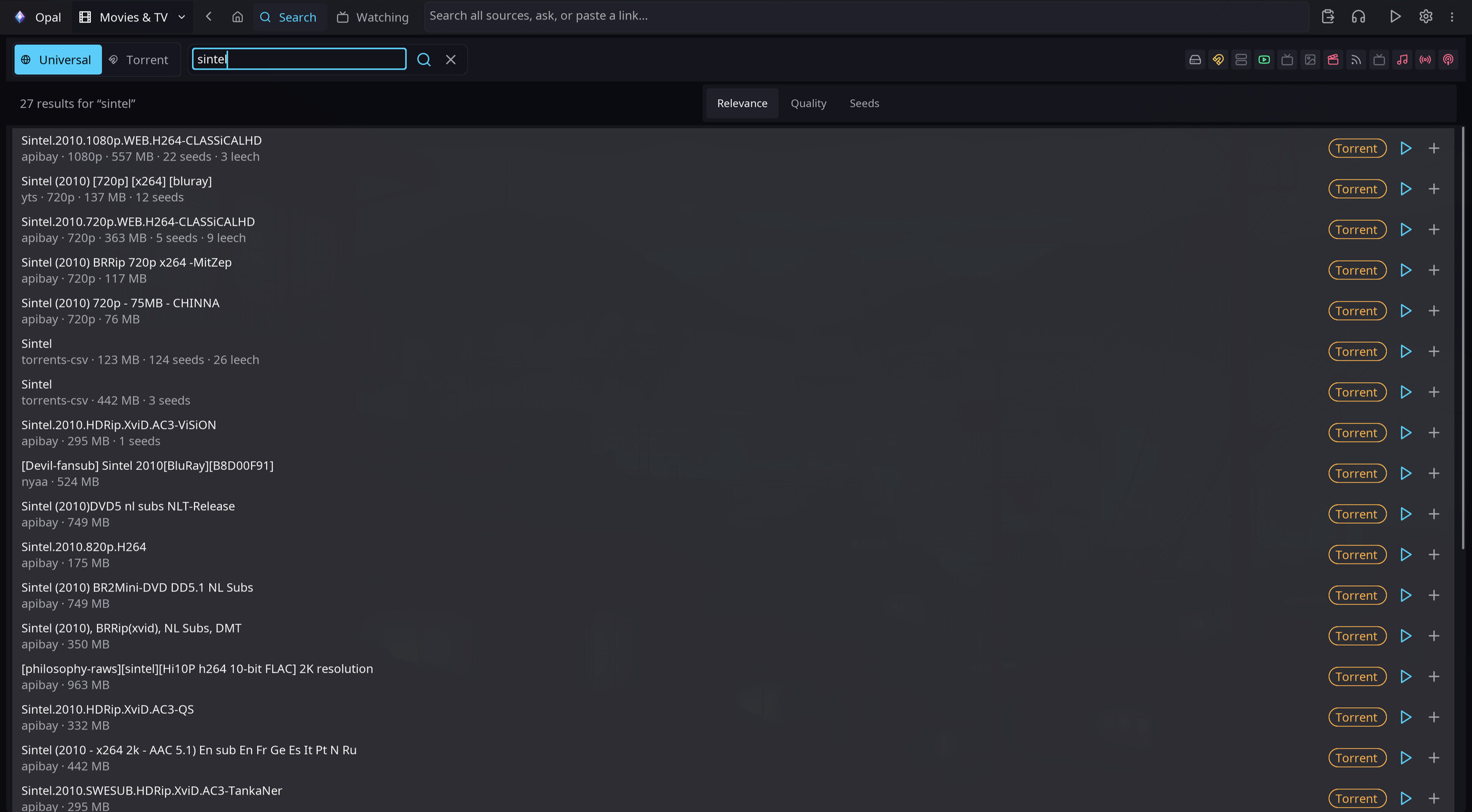
One query fans out across every source you have enabled and comes back ranked — local files, swarms, your servers, the web.

Player
Quality, audio track, subtitles and live translation are one click away, then they fade. Streams, torrents and files all play the same.
Copilot
It runs locally and can actually do things — search, queue, play. Your history is a SQLite file on your disk.
Browser extension
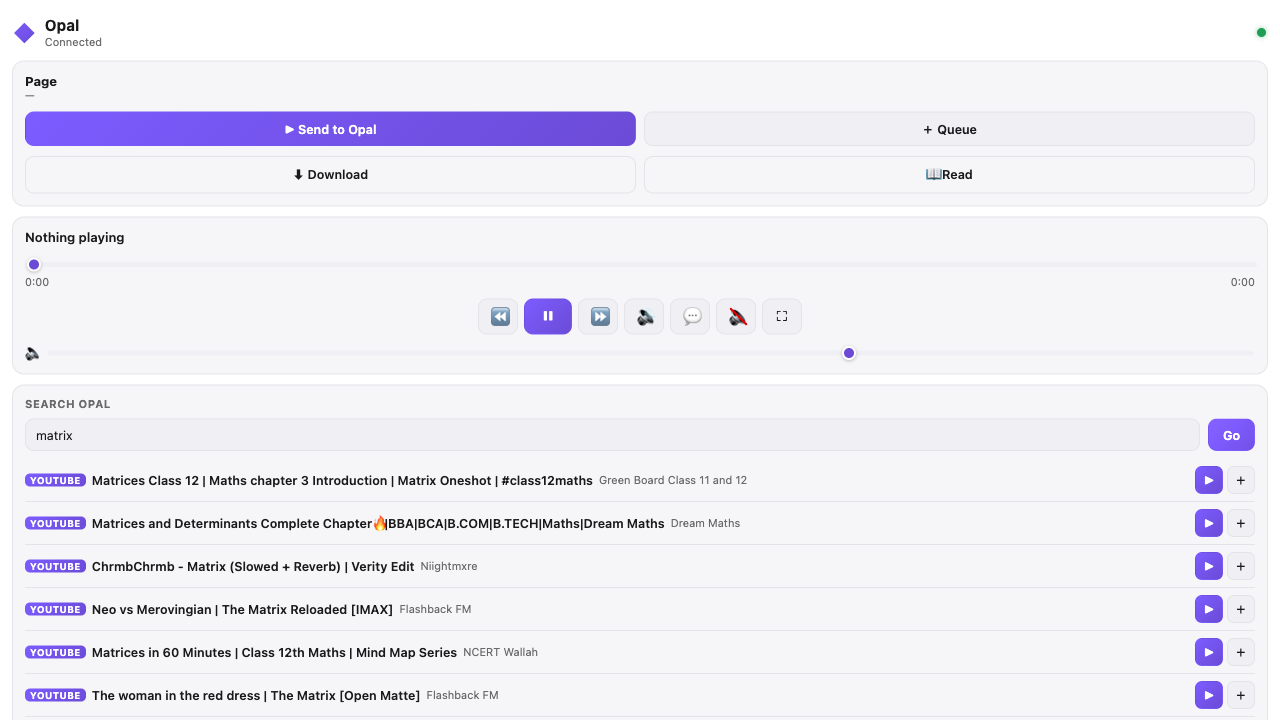
Send the video in the tab you are on, add a manga site as a source in one click, and drive playback from a side panel.
Chrome, Edge and Firefox — packed intoevery release.
Opal Connect setup and details →
Compare
| Capability | Opal | Jellyfin | Plex | qBittorrent | Stremio | Kodi |
|---|---|---|---|---|---|---|
| One search across every source | Yes | Own library | Own library | Torrent search | Add-ons | Add-ons |
| Play a torrent while it downloads | Yes | — | — | Download only | Yes | Add-ons |
| Your Jellyfin and Plex libraries | Both | Its own | Its own | — | Add-ons | Add-ons |
| Live TV | ~40,000 channels | Tuner or M3U | Tuner or M3U | — | Add-ons | Add-ons |
| Manga | Yes | — | — | — | — | — |
| On-device AI copilot | Yes | — | — | — | — | — |
| No server to set up | Yes | Needs a server | Needs a server | Yes | Yes | Yes |
| No account | Yes | Local account | Plex account | Yes | Account to sync | Yes |
| Licence | GPL-3.0 | GPL-2.0 | Proprietary | GPL-2.0+ | Partly open | GPL-2.0+ |
“Add-ons” means available through third-party extensions rather than built in. Compiled from each project's own documentation — if something here is out of date, tell me and I'll fix it.
Get it
The one command detects your platform, verifies checksums, and doubles as the updater. Every format a release ships is below; the browser extension has its own Opal Connect page.
curl -fsSL https://raw.githubusercontent.com/debpalash/Opal/main/scripts/install.sh | sh$ yay -S opal-media-player-binInstalls the official release binary from the AUR and updates with the rest of your system.
opal-media-player-bin on the AURopal-media-player on the AURUpdate later with yay -Syu or sudo pacman -Syu.
brew install debpalash/tap/opalyay -S opal-media-player-binsudo pacman -U ./opal-*-x86_64.pkg.tar.zst.dmg “damaged” — it is not notarized; the installer skips that dialog, or runsudo xattr -cr /Applications/Opal.app once. On Windows, SmartScreen warns because the build is unsigned, and the platform is still alpha. Linux needs a glibc from 2022 or later.Support
No ads, no accounts, no telemetry, nothing to upsell you — so there is no revenue behind it either. If Opal saved you a subscription, put a bit of it back.
Skint? Starring the repo, filing a good bug report or telling one person about it all help too.